Tabs and editing
Switch, close, reopen, or move tabs while keeping familiar controls.
 Vimo Rebinder Download
 Keyboard workflows across apps
Vimo brings familiar controls across your apps and shows you what you can press when you need it.
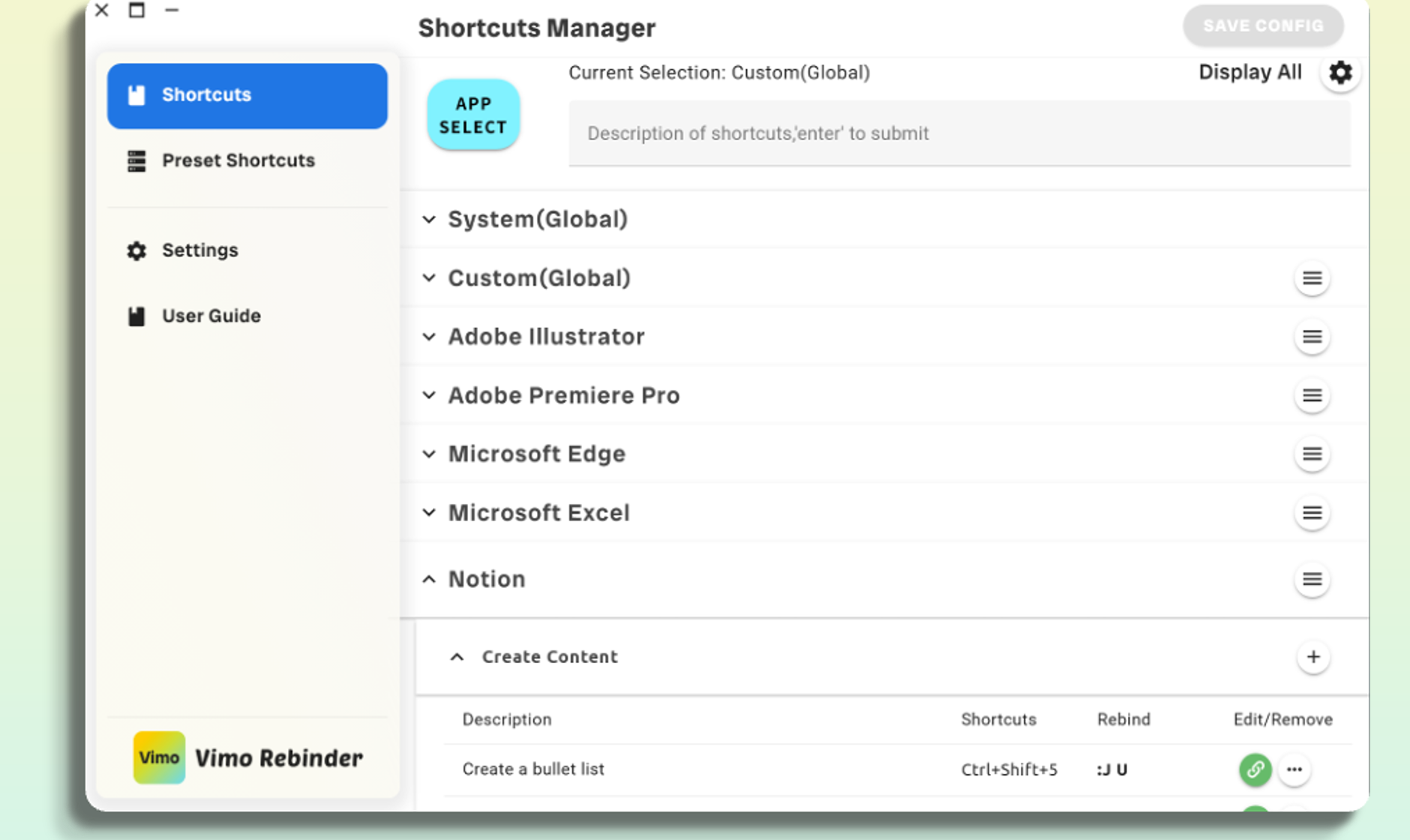
Why Vimo
Vimo brings familiar controls across your apps and shows you what you can press when you need it.
With Vimo
Different shortcuts in every app
One consistent personal workflow
Memorizing isolated key combinations
Commands organized by function and position
Relearning controls when switching apps
Vimo sends the matching shortcut for the active app
Where it fits
Switch, close, reopen, or move tabs while keeping familiar controls.
Keep window, desktop, and repeat actions where your hand already expects them.
Each app can receive its own shortcut while you keep using the same Vimo workflow.
Get started
Get the version for your platform.
Use a global workflow or configure an individual app.
Use floating hints while learning the layout instead of memorizing everything at once.